

How do I refer a friend?
- Anyone with a WeAudition account can refer actors and earn a commission.
- Go to Refer an Actor .
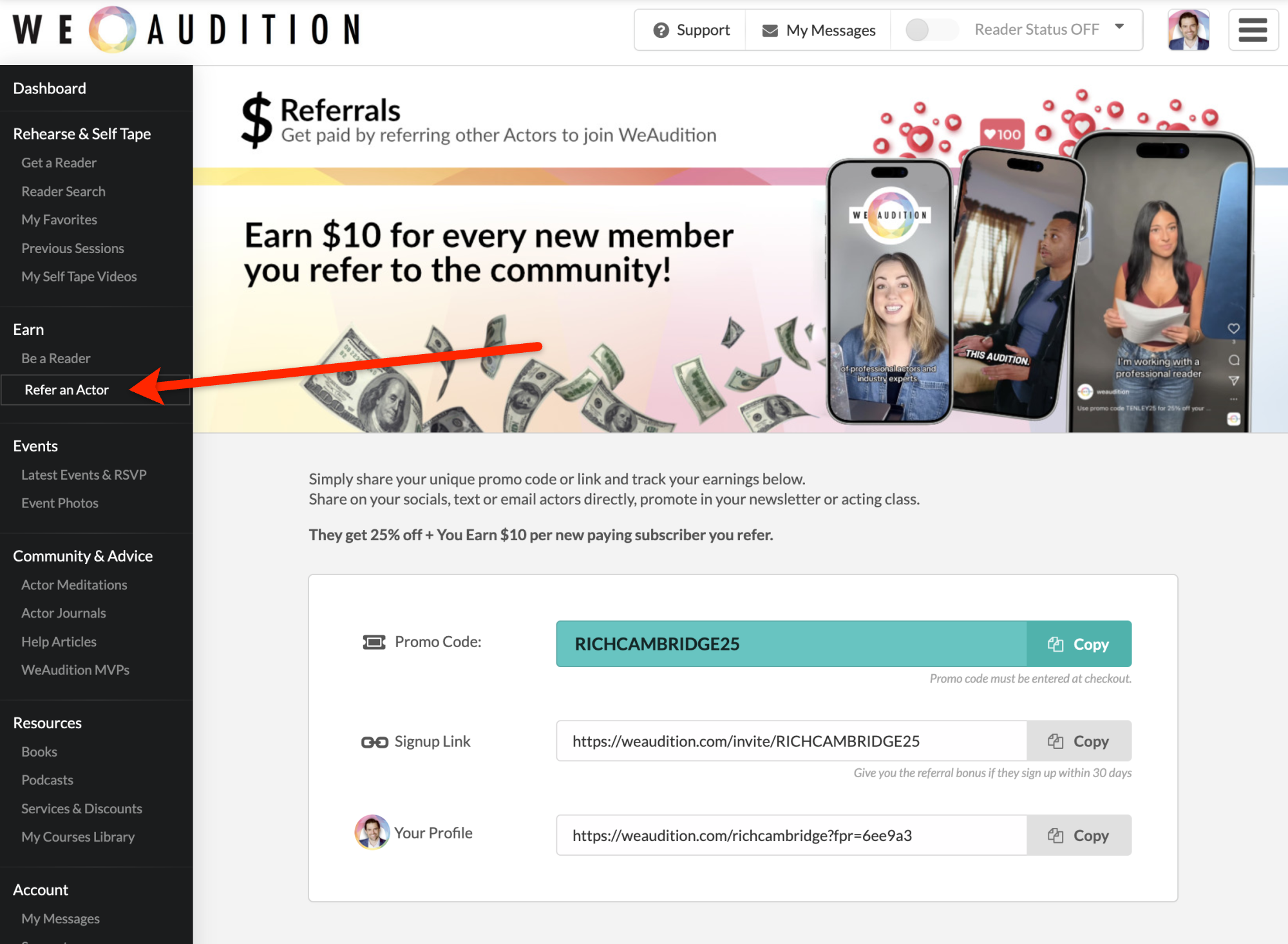
- If requested, set your username first.
- Select Generate My Codes to create your referral details.
- Copy the promo code or referral link and send it to your actor friends, or post on socials.
Use the referral information shown on the page so the invitation can be associated with your account.
Anyone who uses your promo code will get a discount and we will pay you as the referrer.

The signup link is a direct link to the signup page with your code pre-installed

The profile link is a link to your profile page, including your code. If someone visits this page and comes back to sign up at any time during the next 30 days (with or without your code), you will still be credited for the referral.
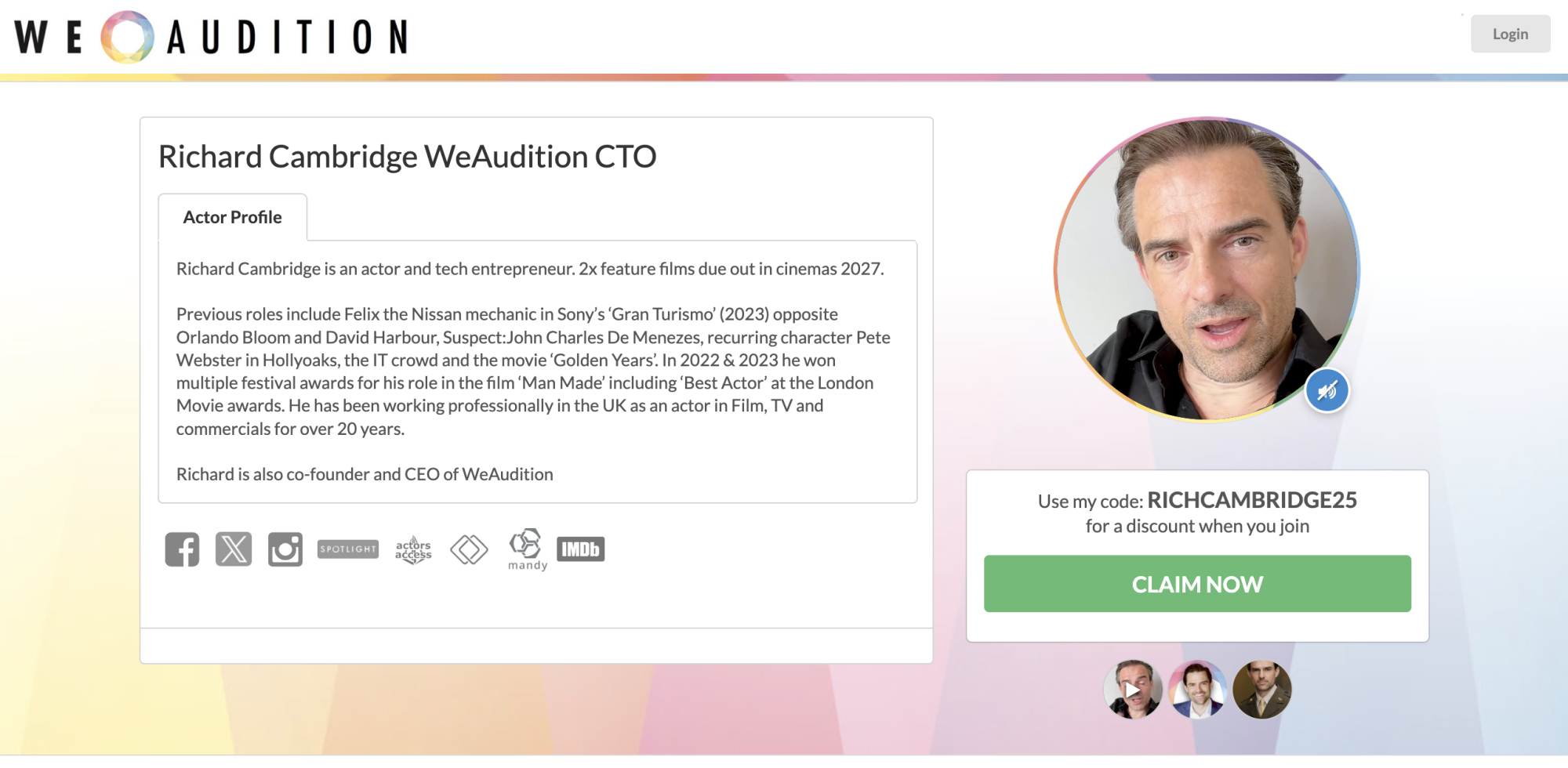
Note that a new member can only have one referral. If a new member comes through somebody else's link, but uses your code, it will be considered your referral, and vice versa, (if they use your link, but someone else's code, we will assign it to them. )
Payouts for your Referrals
You will be able to see the tracking of your referrals on your Refer An Actor page as they happen.
Commission Payouts are done approximately once a month by PayPal to the account you entered.
You are responsible for your own tax declarations for this, and PayPal should provide your end-of-year tax payments automatically.
Important: You must enter your PayPal details on this referral page to get paid, even if you have already entered your PayPal details as a Reader. If a Payout method has not been entered, your commissions will continue to accumulate until you enter it, at which point you will be paid on the next monthly payout date.