

How do I edit my profile?
- Go to the Edit Profile Page.
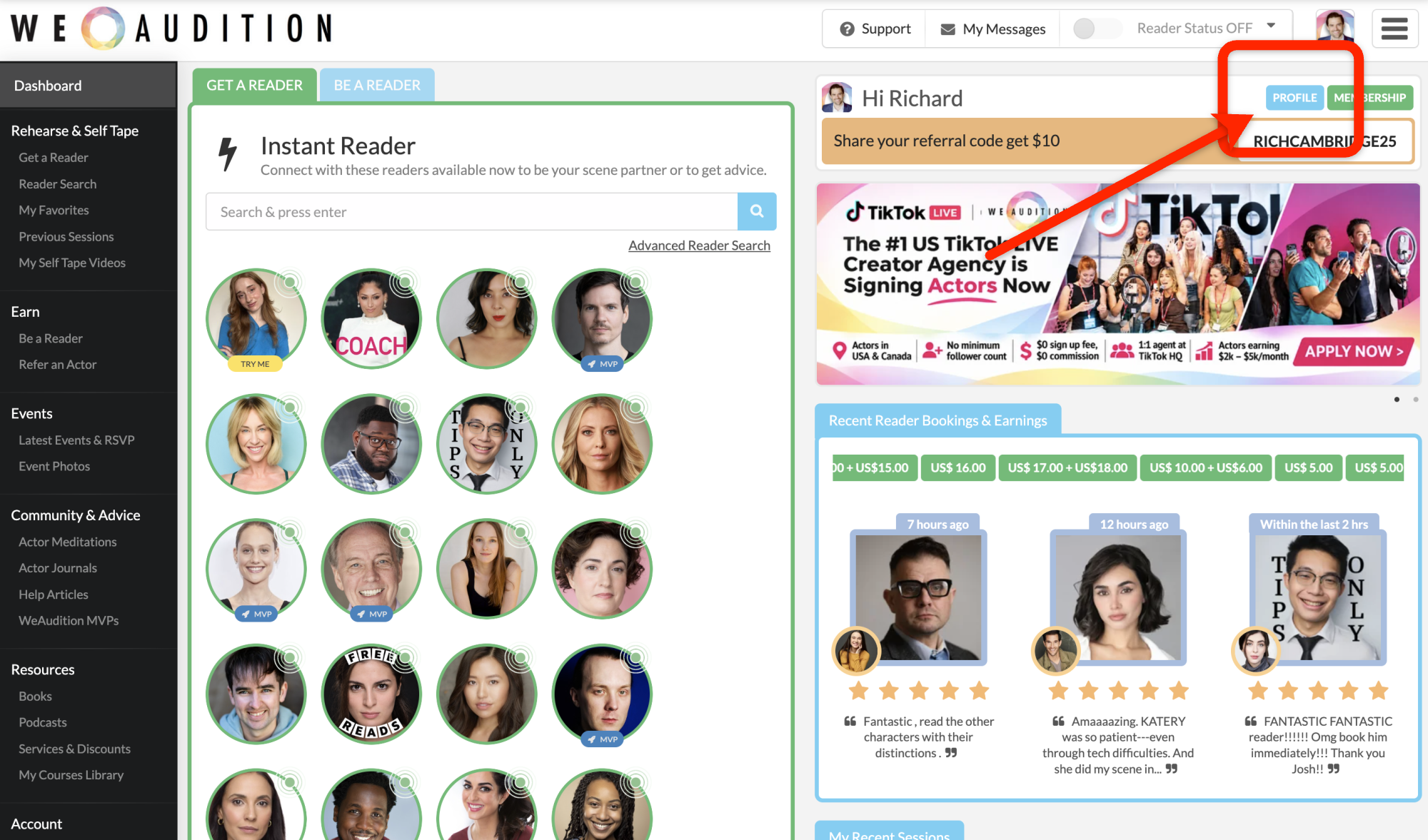
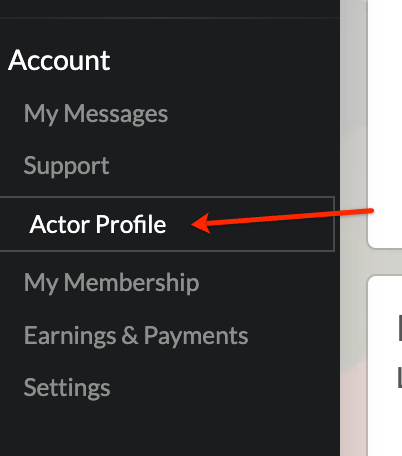
- Update the details you want to change.
- Use the separate photo, media and social-link controls if you need to update those parts of your profile.
- Select Update to save your changes.
- You can also upload a video introduction on this screen. This is an easy way to give Actors a quick idea of your accent, personality type and how you can help.
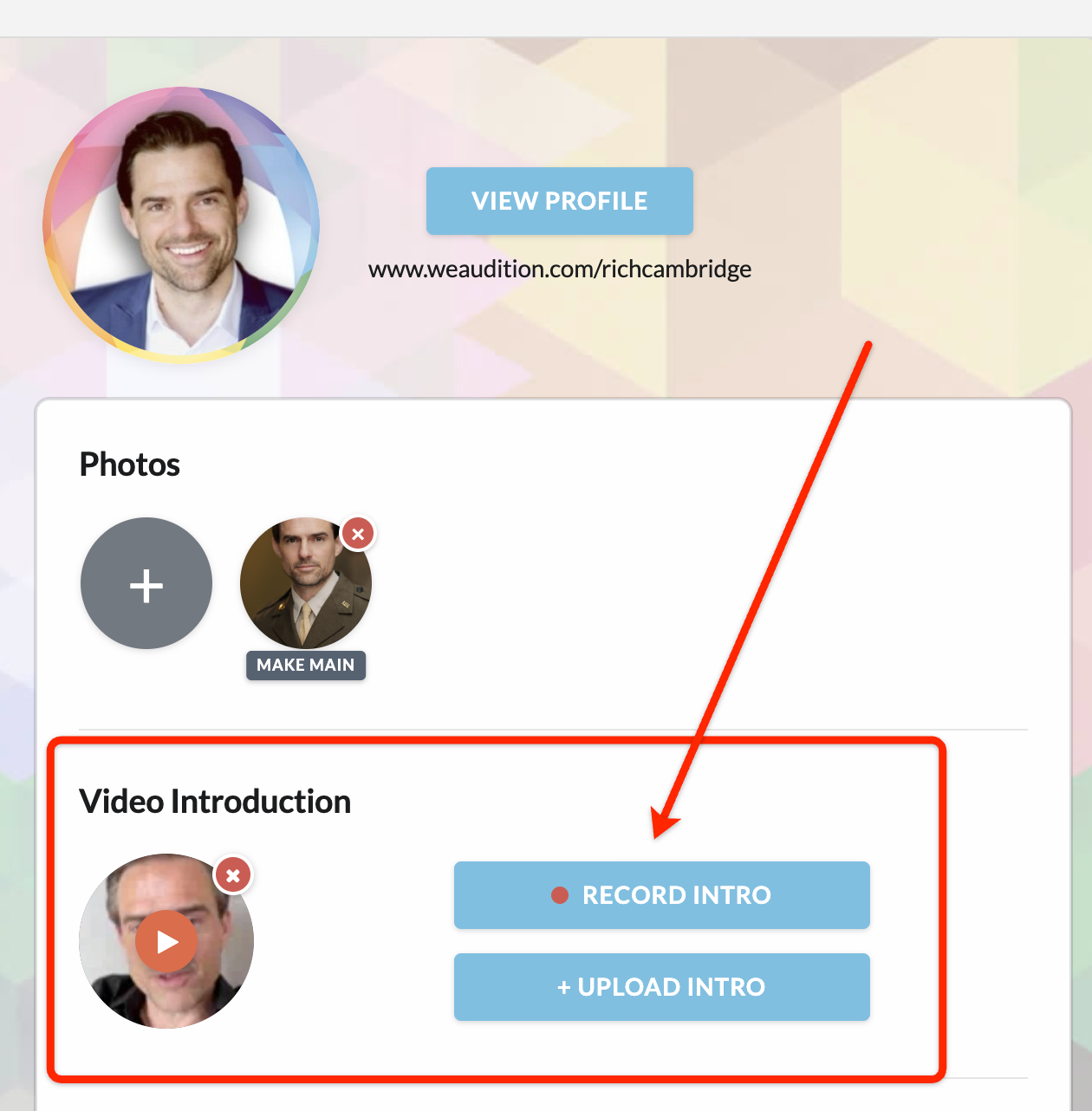
Review your public profile afterwards to make sure everything appears as expected.